
Grenade camera previews
Extra camera takes that follow the POV player's grenades, filmed after the main recording so the video keeps its cut plan. Choose how long to keep watching and which grenade wins when previews overlap.
Grenade previewsFeatures
Formats, recording options, cloud and PC recording, finishing and publishing. Each feature links to a help article that explains it in detail.
Formats
Follow one player through a match. You choose how much to keep.
A player's kills as a quick portrait-format montage.
Top X (up to 100 moments), Best Aces, Top Clutches and Event Highlights.
Grenades ranked by verified enemy damage, from setup to impact.
Recording options
Options are saved per video, with separate defaults for long videos and Shorts. For cloud recordings, options that add machine time show their extra credits.
Extra camera takes that follow the POV player's grenades, filmed after the main recording so the video keeps its cut plan. Choose how long to keep watching and which grenade wins when previews overlap.
Grenade previewsColour each team's smokes, with an optional colour key at the start that adds no video length. Colours stay with the teams when they swap sides. Requires HLAE.
Smoke colours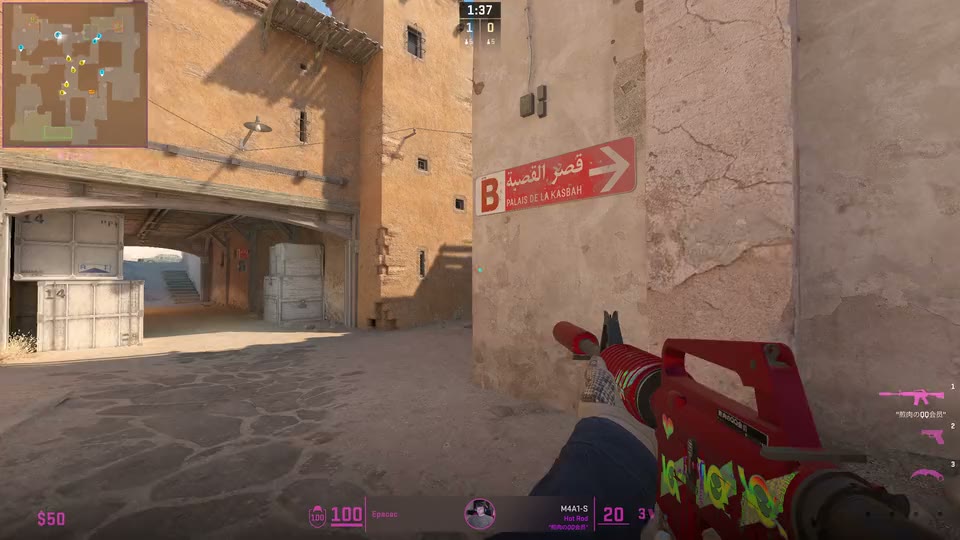
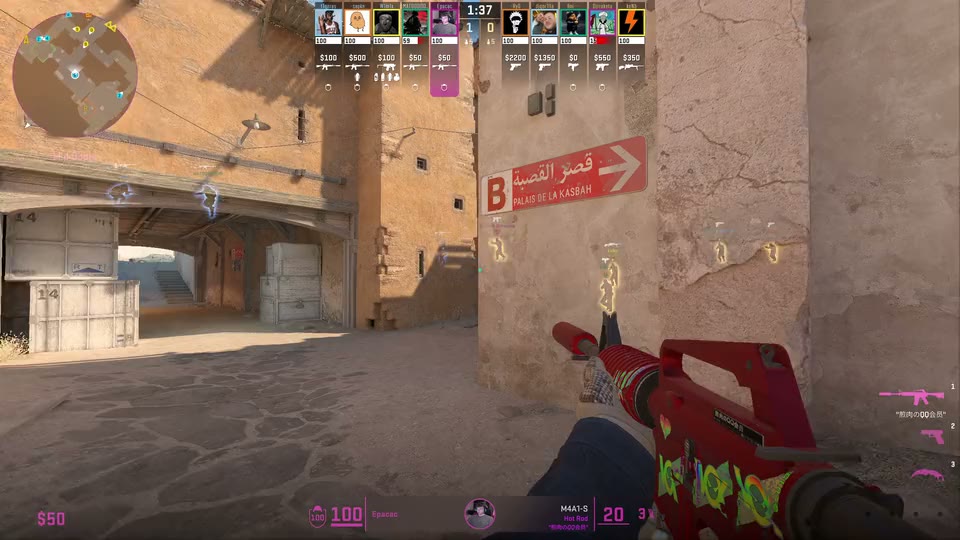
Spectator X-ray outlines for tactical breakdowns. Off by default, and never shown on clean thumbnail screenshots.
X-ray outlinesSquare overview, circular with fixed orientation, or circular following the player, from 80% to 130% size.
Map layoutShow the scoreboard briefly in later rounds, skip inactive rounds or all inactive time, stop after the player's death or keep watching, and keep the end screen.
Pacing options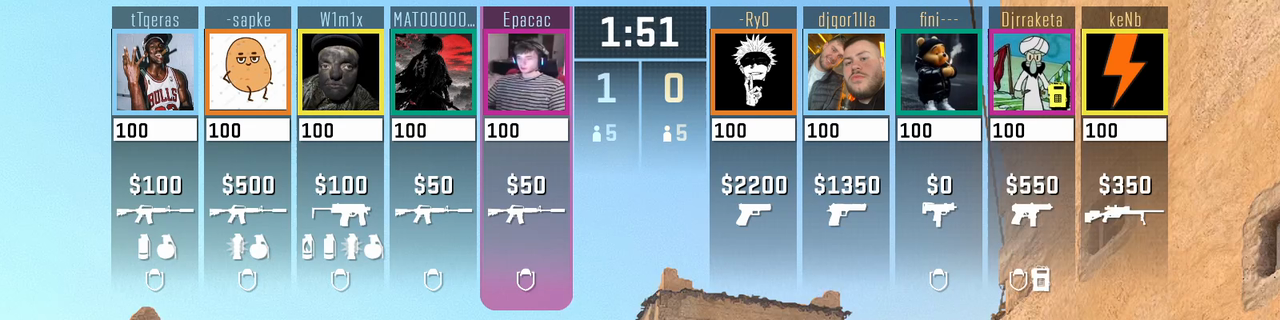

Hide CS2's native top strip for a custom team HUD, add stats graphics computed from the demo and show the FACEIT player card.
Stats and player card
Record with OBS in real time or with native HLAE frame by frame, or use a pro player's screen settings.
Quality and captureWhere it records
Finish and publish
Preview every finished video, read its quality report and download it.
Team HUDs, Like & Subscribe, kill streak sounds, music and an outro, with a live preview and one render.
Build thumbnails, or generate titles, descriptions, tags and chapters with AI.
Connect each channel, upload or schedule Shorts into daily slots, and follow it all on a calendar.
Create a free account, upload a demo and record your first video with the welcome credits.