
Shorts
A player's kills as portrait Shorts, in four layouts. Schedule the whole batch into daily slots in one go.
How Shorts workFrom demo to VOD
Automate your CS2 channel. Pick a player once: Vodwolf records it on a cloud GPU (POVs, Shorts, Top X compilations), writes the title and chapters, and spreads your Shorts across the week. No gaming PC, no OBS, no editing.
300 free credits, enough for about 2 Shorts. No card needed.
Formats
A full POV for YouTube, a batch of Shorts and a spot in this week's Top 10, all from the same file.
A player's kills as portrait Shorts, in four layouts. Schedule the whole batch into daily slots in one go.
How Shorts workTop X moments, Best Aces, Top Clutches and Event Highlights, ranked and counted down across several demos.
About compilationsGrenades ranked by verified enemy damage: the setup, the flight and the impact.
About utility clipsAutomation
Save your look as a template, queue a batch, and let AI and the calendar do the rest.
Save every recording option once, from radar to pacing, and start the next video from it. Separate defaults for long videos and Shorts.
Recording templatesQueue several recordings at once. The Queued lane waits for a free machine and costs 25% less.
Cloud recordingTitles, descriptions, tags and chapters written from what happened in the demo, plus AI thumbnails. Included in your credits, or free with your own OpenAI key.
AI metadataDrop a whole batch of Shorts into daily upload slots, per YouTube channel, and see the week on one calendar.
PublishingYour logo, colours, fonts, intro, outro, watermark and lower third on every compilation, and your style on thumbnails.
TikTok and Instagram Reels posting, recording on your own PC through a desktop worker, and kill-frame thumbnails. Not available yet.
How it works
Six steps the first time. After that, a template and one click. Nothing is recorded, charged or published until you confirm.
Step 1 of 6
DEM, ZIP, RAR or ZST up to 5 GB, or pick a pro match from the public library. Players and rounds are extracted for you.
Upload a demoStep 2 of 6
Choose a player and a format, then 1080p, 1440p or 4K at 60 fps, OBS or native HLAE, and how much of the match to keep. Or start from a template.
Recording optionsStep 3 of 6
Customise the radar, add grenade cameras, team smoke colours, X-ray and stats overlays, or load a pro player’s config from our database.
Everything you can changeStep 4 of 6
A GPU machine records it, with a line-by-line price before you confirm. Priority starts first; Queued costs 25% less. Recording on your own PC is coming.
Cloud recordingStep 5 of 6
Watch the result, then finish it in the Post-edit studio: team HUD, music, kill-streak sounds, subtitles and an outro.
Post-edit studioStep 6 of 6
AI writes the title, chapters and thumbnail. Upload now, or drop a batch of Shorts into daily slots for the week.
PublishingRecording options
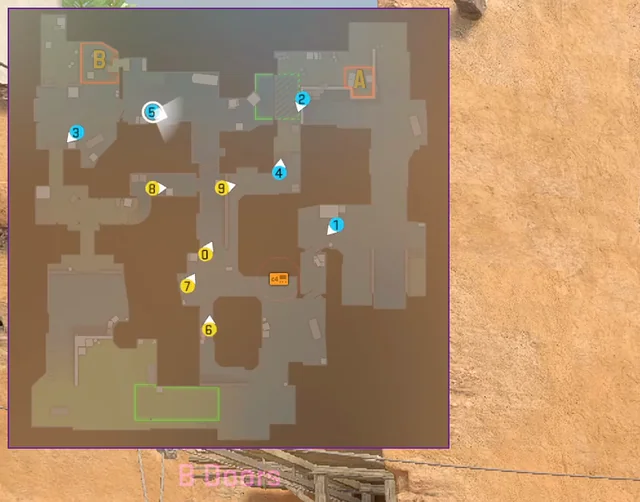
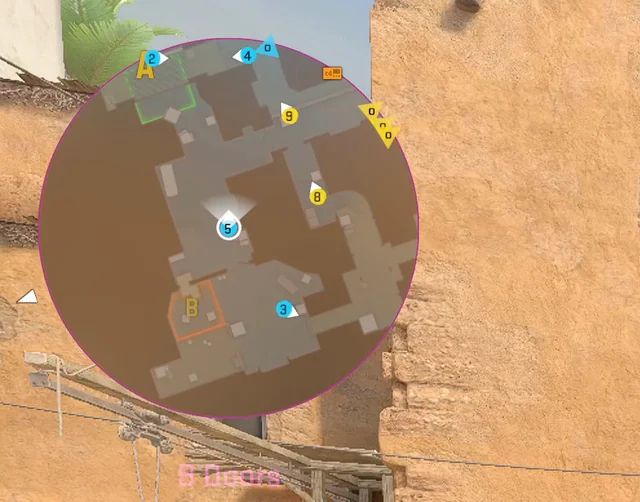
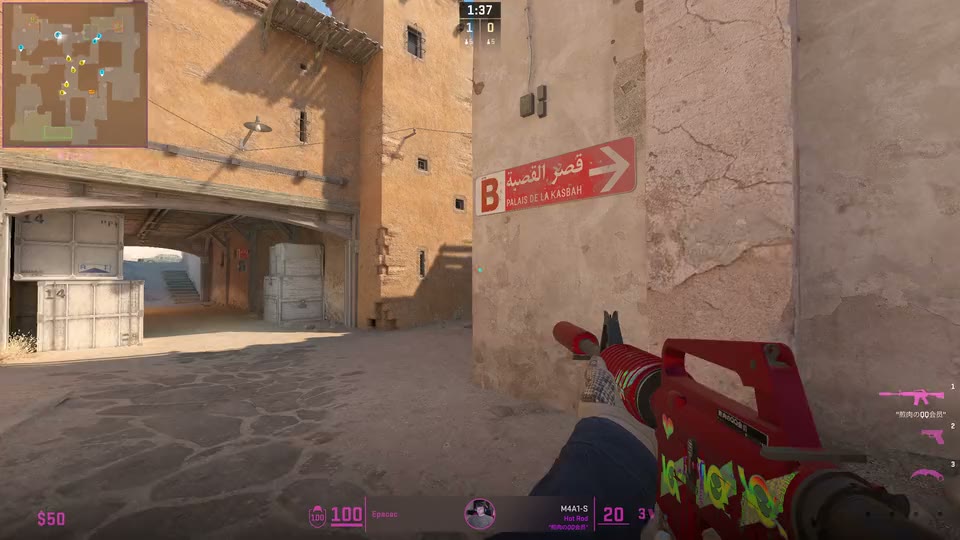
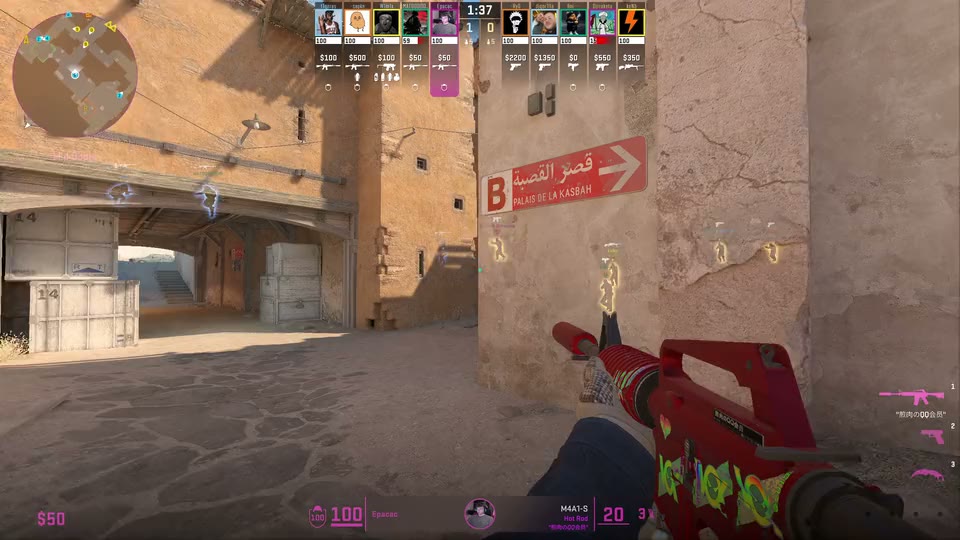
Customise the radar, colour each team's smokes, follow every grenade, or record with a pro player's own settings from our database of over 1,000 players.
Pricing
See the price of every step before you confirm. If a recording fails on our side, the credits come back automatically.
50-second Short, 1080p
160 credits
120 credits when you batch it (Queued, −25%)
20-minute POV, 1080p
708 credits
531 credits when you batch it (Queued, −25%)
20-minute POV, 4K
1,103 credits
828 credits when you batch it (Queued, −25%)
Create a free account, upload a demo or pick a pro match, and record your first video with the free credits.